
Seedream 5.0 Pro Image Generator
ByteDance production model for multilingual posters, dense layouts, photoreal materials and up to eight visual references.
Prompts to try with Seedream 5.0 Pro
Explore multilingual posters, material studies, campaign boards and structured editorial grids. Click an example to load its prompt.
What Seedream 5.0 Pro is good at
Deep prompt understanding
Long creative briefs stay organised across subject, action, environment, camera, style and layout instead of collapsing into a loose keyword collage.
Multilingual text
Create localized posters, menus, packaging and campaign art with clear typographic hierarchy across languages.
Dense, structured layouts
Editorial grids, infographics and information-rich scenes keep their sections, labels and focal order readable when the frame gets busy.
Photoreal materials
Glass, metal, paper, fabric, skin and food retain convincing surface detail and light response for finished product and campaign concepts.
Up to eight references
Guide one result with several characters, products, styles or before-and-after examples while spelling out what each source contributes.
1K, 1.5K and 2K output
Iterate at 1K, step to 1.5K or 2K when the composition is locked and you need more detail in the final frame.
Why use Seedream 5.0 Pro for production image generation?
Seedream 5.0 Pro from ByteDance combines deep prompt understanding with multilingual typography, dense layouts and photoreal materials. It supports 1K, 1.5K and 2K output and up to eight references for campaign boards, localized posters and multi-image composition — from 20 credits per image.

How to write a Seedream 5.0 Pro prompt
Describe the layout hierarchy, quote multilingual copy exactly, and give every reference a clear job.
Describe the layout, not only the subject
State where the headline, focal image, supporting elements and whitespace belong. Seedream is strongest when the composition has an explicit visual hierarchy.
Quote exact multilingual copy
Put required wording in quotation marks and identify its language and placement. Keep each line concise when a poster or package must remain readable.
Give every reference a job
When uploading several images, say which one controls identity, product shape, palette, material or composition, then list what must be preserved.
Other image models
Same generator, different strengths. Switch models when you need more detail, clearer text, faster drafts, or tighter layout control.
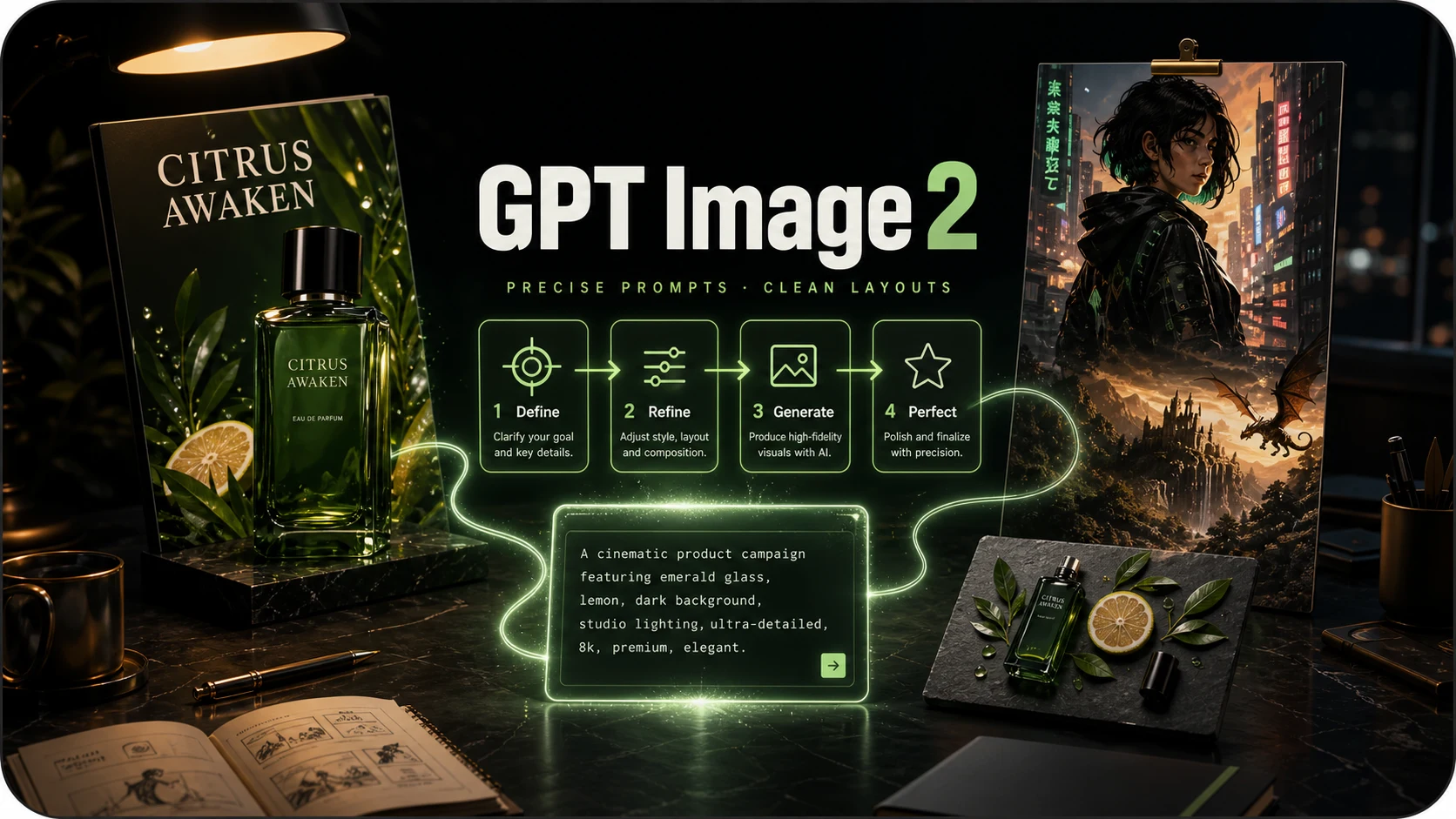
OpenAI prompt-faithful layouts and diagrams from 12 credits — compare with Flare, Sunburst and Nano Banana Pro.
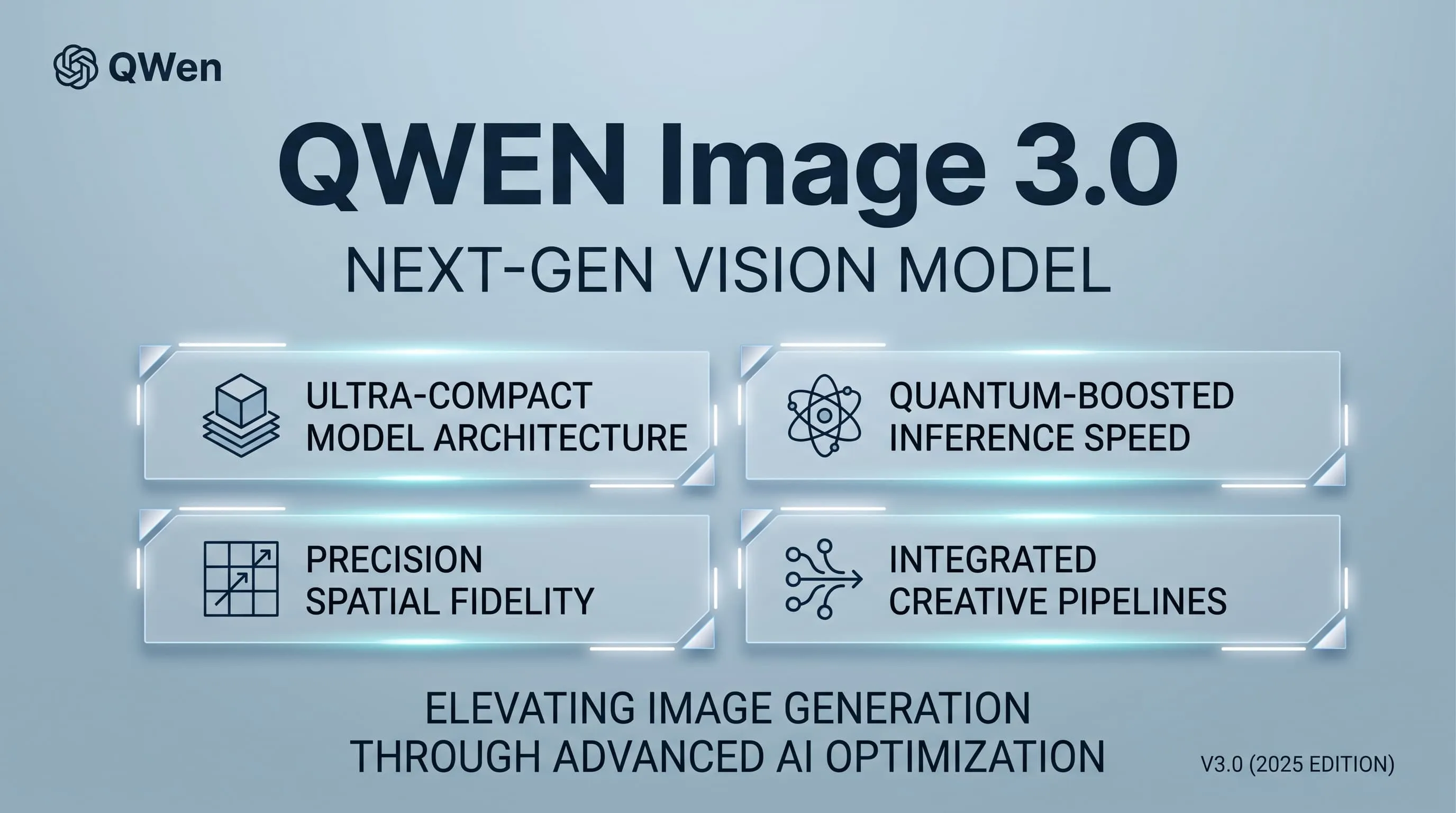
Alibaba Qwen for dense layouts, small text and multilingual typography — from 12 credits, 1K/2K.
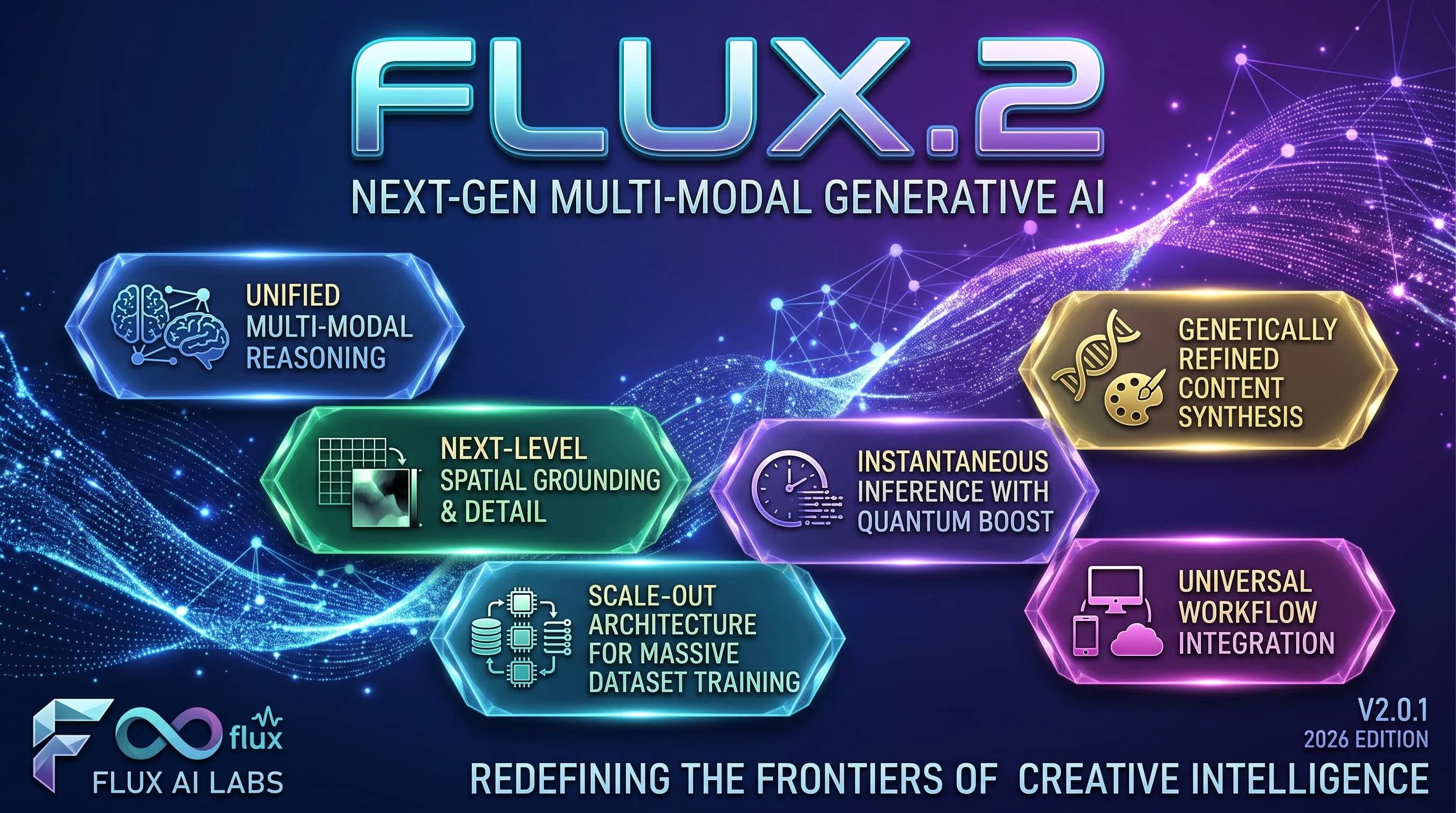
Photoreal FLUX.2 with up to 8 refs and 1K/2K — from 16 credits. Replaces FLUX Schnell for finished photographic work.
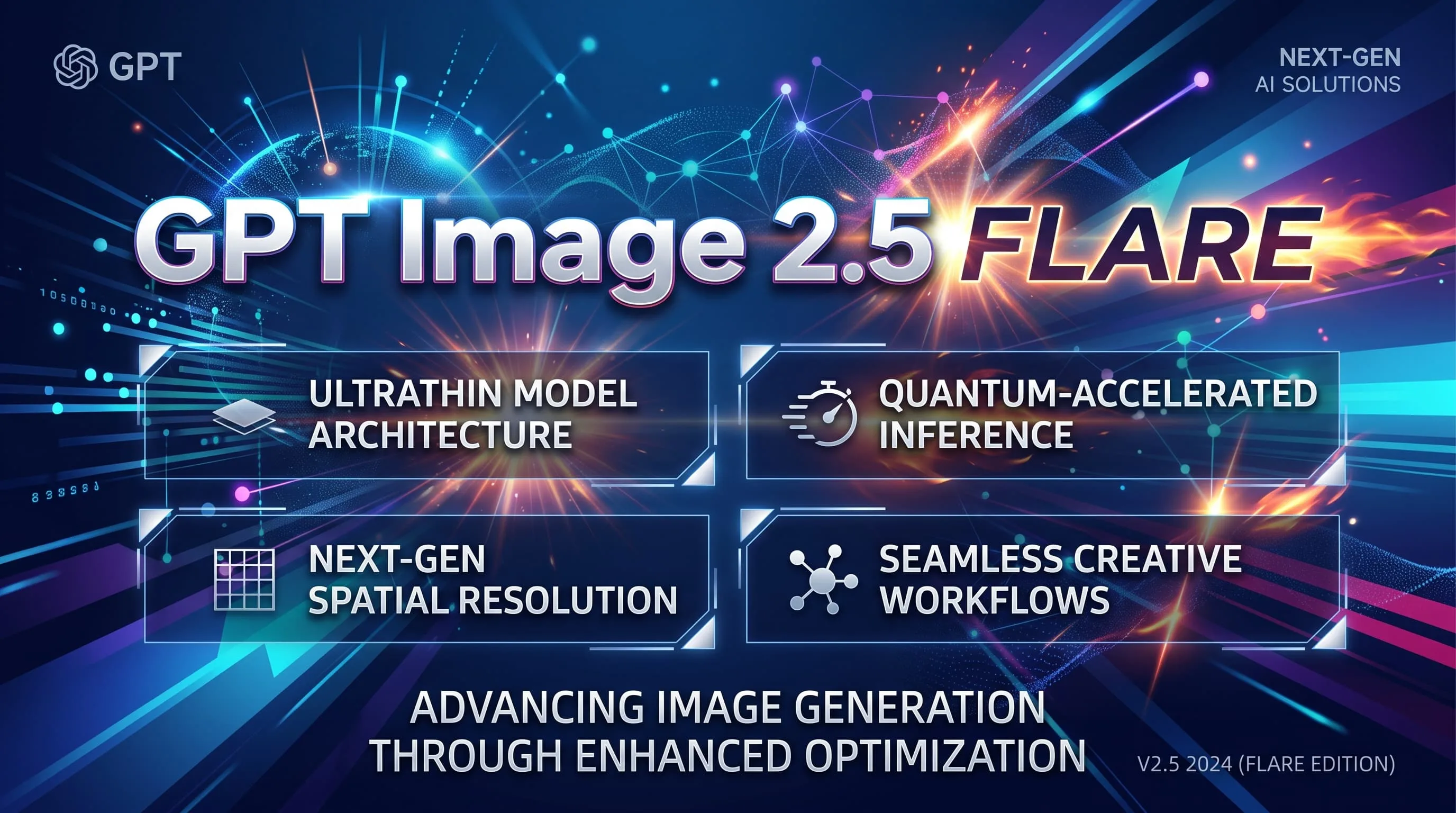
Fast GPT Image 2.5 default for iteration — from 16 credits, up to 8 refs. Escalate to Sunburst for precision.
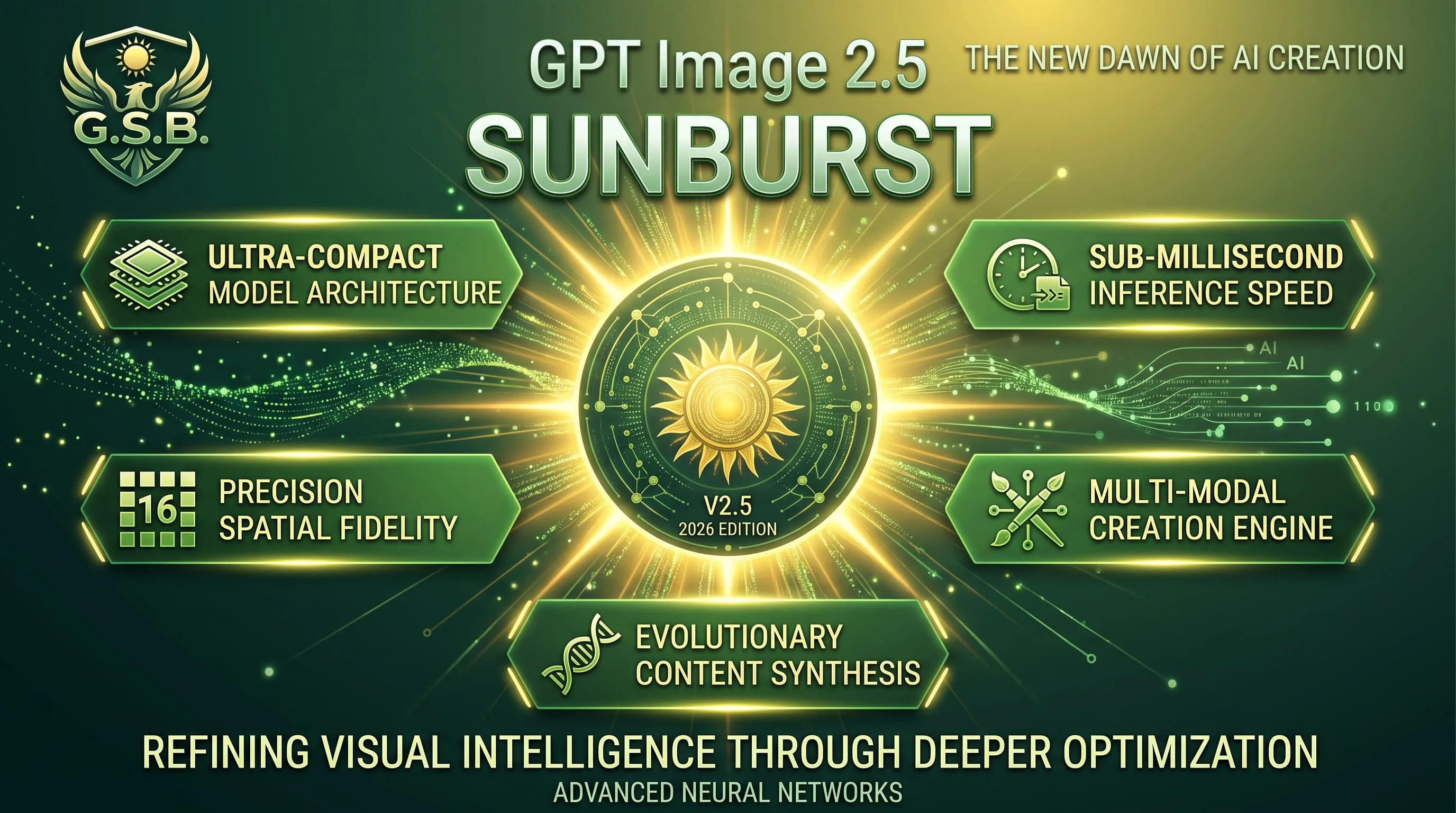
Precision GPT Image 2.5 for materials and multi-turn edits — from 16 credits, same band as Flare.
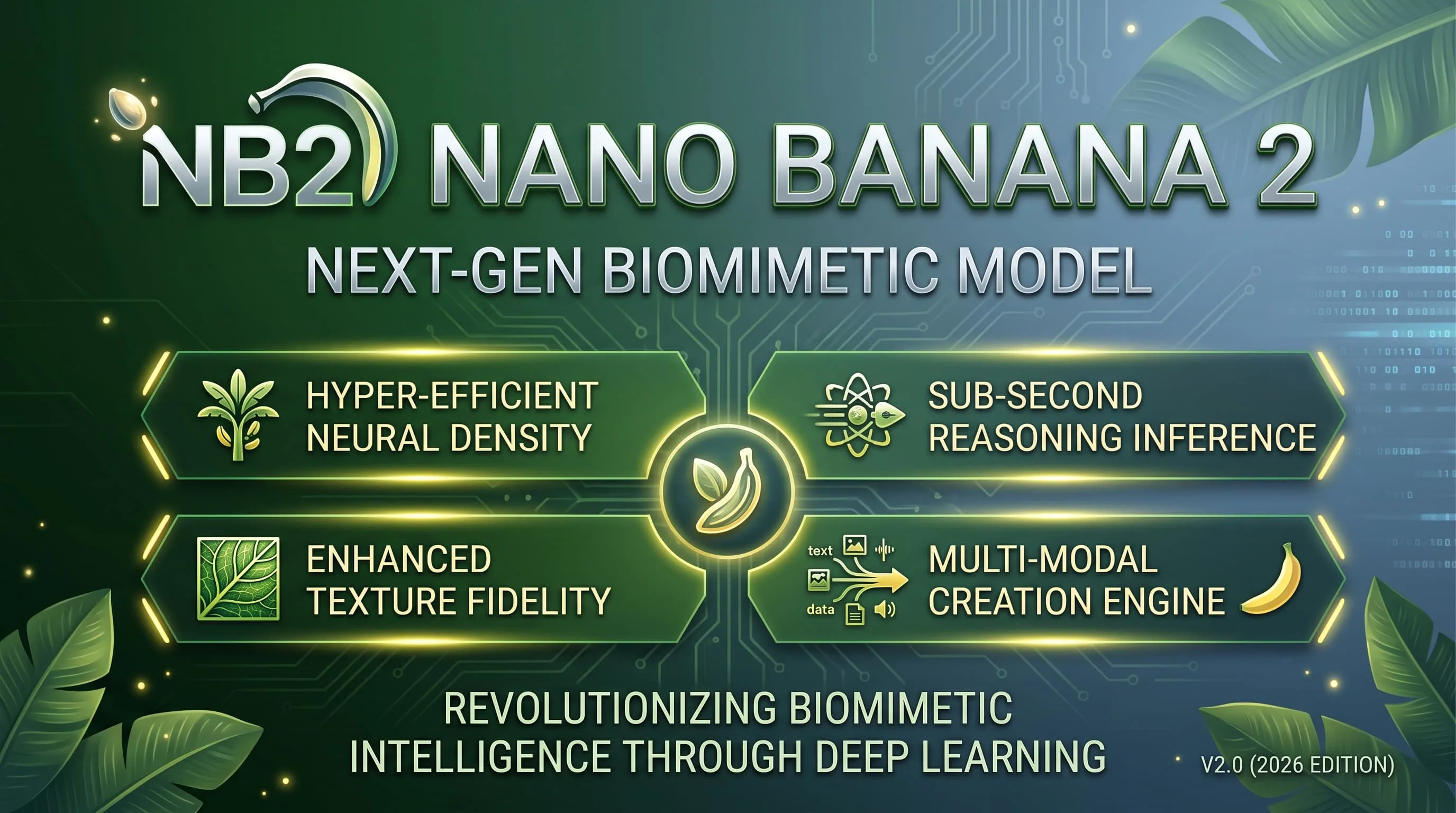
Faster, lighter Nano Banana for daily aesthetic shots and light edits — from 16 credits, up to 4K.
Seedream 5.0 Pro FAQ
What to know before generating or editing with Seedream 5.0 Pro.
What is Seedream 5.0 Pro?
Seedream 5.0 Pro is ByteDance’s flagship image model for text-to-image and reference-guided editing — focused on prompt understanding, structured layouts, multilingual text and production detail.
How much does one image cost?
From 20 credits per image at 1K/1.5K (36 at 2K), charged when the image is delivered. A generation that fails is not charged.
When should I use another model instead?
Use FLUX.2 (from 16 credits) for photoreal drafts with fewer references. Use Nano Banana Pro (from 36 credits) when on-image text density is the main problem. Use GPT Image 2.5 Flare or Sunburst (from 16 credits) for faster GPT-style layout iteration.
Is it better for multilingual text or material detail?
Both. Quote bilingual headlines for posters and campaigns; lean on photoreal materials when glass, metal and fabric have to feel finished in the same frame.
Do I need a ByteDance account or an API key?
No. Choose Seedream 5.0 Pro in the shared model picker and use the same account, credits and private library as the other models.
Can I batch images or use references?
Each run returns one image. You can attach up to eight reference images and describe what each one controls.
Build a finished visual with Seedream 5.0 Pro
Multilingual production boards from 20 credits an image.