Nano Banana Image Generator
Use the original Nano Banana for 1K image generation and reference-guided edits. Each image costs 12 credits, with prompts up to 1,000 characters.
Prompts to try with Nano Banana
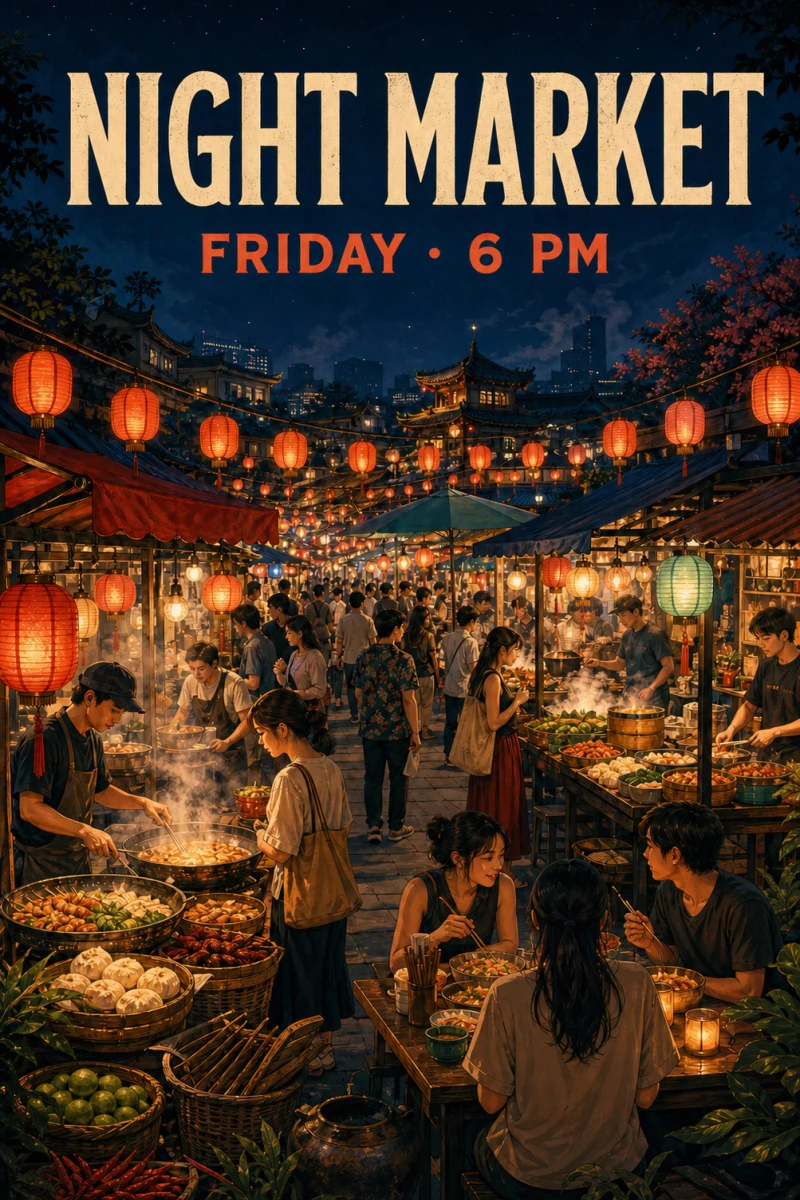
Explore posters, product shots and scene ideas from our existing example library. These reused images illustrate the prompts, rather than verified outputs from this model. Click an example to load its English prompt.
Create and edit with Nano Banana
Start with a description
Describe a subject, setting, lighting and visual style to create an image from text.
Work from an existing image
Upload a reference and describe the changes you want, including the details that should stay the same.
Up to 14 references
Combine references for a person, product, composition or palette. Give each image a clear role in your prompt.
1K output
Choose from the resolutions available for Nano Banana before generating. Review the credit cost when changing settings.
Choose your composition
Select a supported aspect ratio for a square post, portrait poster or landscape scene before you generate.
From 12 credits per image
Use your existing account and credit balance. The generator shows the cost for your selected resolution before submission.
Bring your next idea to life with Nano Banana
The original Nano Banana offers 1K output for 12 credits per image. Keep your prompt within 1,000 characters and add up to 14 references to guide the subject, product or visual style. Use it for a focused scene or edit; compare Nano Banana 2.1, Nano Banana 2 or Nano Banana Pro when you need higher output resolutions.
How to write a prompt for Nano Banana
Start with the subject and composition, specify any exact wording, and describe what each reference image should contribute.
Write a focused brief
Keep your prompt within 1,000 characters. Describe one clear scene or edit, name the subject and style, and specify what should stay unchanged when using references.
Spell out the layout and wording
Say where the headline, subject and supporting elements belong. Put exact text in quotation marks, keep it short, and check the result before publishing.
Give each reference a role
You can add up to 14 reference images. Explain which image guides identity, shape, materials or composition, and list the details to preserve.
Other image models
Same generator, different strengths. Switch models when you need more detail, clearer text, faster drafts, or tighter layout control.
1K, 1.5K and 2K at 9 credits per image, with up to 10 references.
1K / 2K / 4K for 10 / 15 / 33 credits, with up to 14 references.
1K output at 12 credits per image, with up to 14 references.
1K, 2K and 4K at 12 credits per image; up to 14 references and 1,000-character prompts.
OpenAI prompt-faithful layouts and diagrams from 12 credits — compare with Flare, Sunburst and Nano Banana Pro.
Fast GPT Image 2.5 default for iteration — from 16 credits, up to 8 refs. Escalate to Sunburst for precision.
Nano Banana FAQ
Resolutions, references, credits and getting started with Nano Banana.
What can I do with Nano Banana?
Use Nano Banana to generate images from text or edit with reference images. Choose a resolution and aspect ratio, describe the result you need, and submit from the generator on this page.
How many credits does an image cost?
Current costs per image are 1K: 12 credits. Credits are deducted when the task is submitted; failed generation tasks are refunded.
Which resolutions are available?
The original Nano Banana currently supports 1K output only, at 12 credits per image. Nano Banana 2.1, Nano Banana 2 and Nano Banana Pro offer higher resolutions; check each model's settings and credit costs.
Can I upload reference images?
Yes. Add up to 14 reference images and describe how to use them. Each generation task returns one image; references are inputs, rather than a batch output setting.
Do I need a separate provider account or API key?
No. Sign in with your account here and use your existing credit balance. You do not need to manage a provider API key.
Were these examples generated with Nano Banana?
The images and English prompts are reused from our existing example library. They are ideas to try, rather than verified samples from Nano Banana. Clicking an example fills the prompt while keeping your selected model.
Create your first image with Nano Banana
Choose a prompt or bring your own idea. Images start at 12 credits.